
Invoices & payments
Track grooming invoices and payments without guessing what is enabled.
Create invoices, record cash or other offline payments, and follow balances from the appointment workflow. Online cards and eligible refunds appear only for approved, connected tenants.
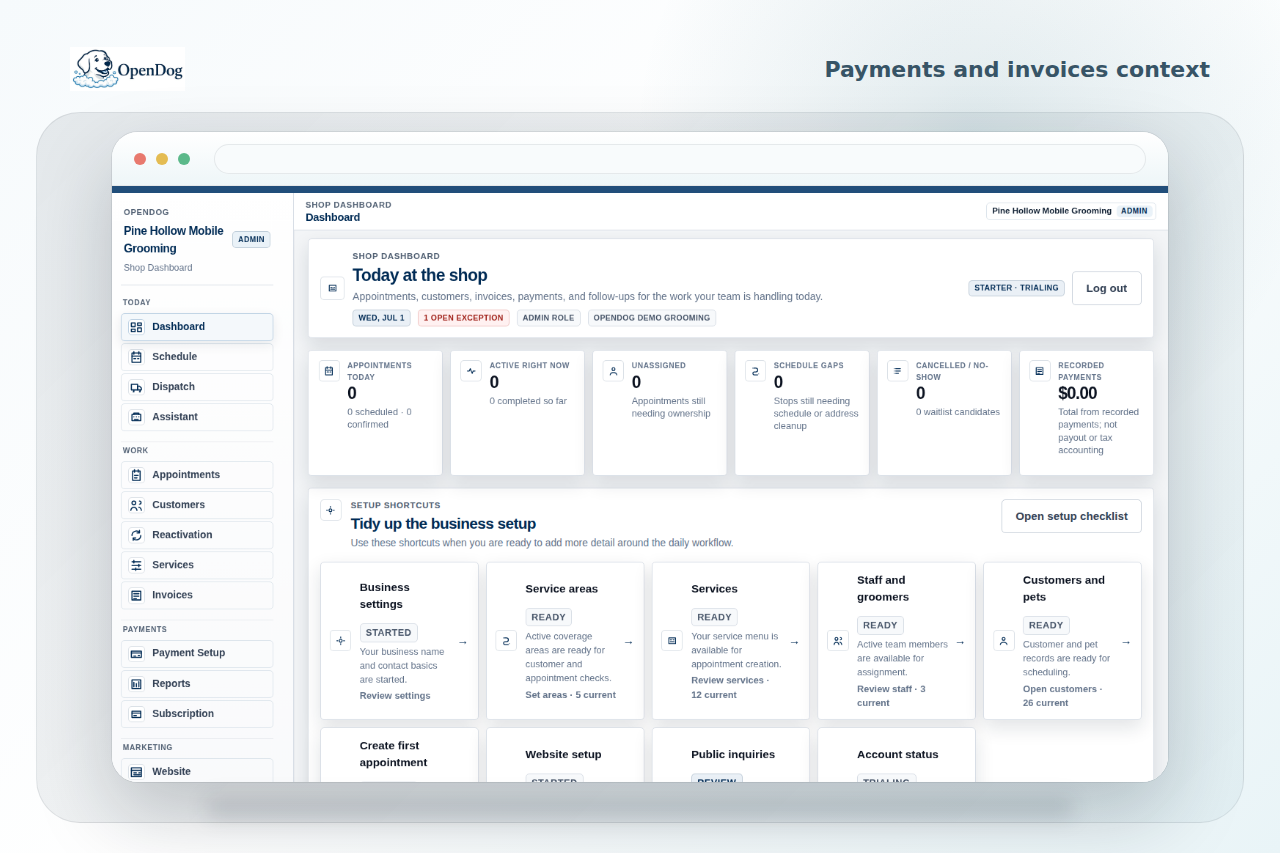
Keep invoice status connected to the appointment.
After a full grooming day, rebuilding balances from another app wastes time. OpenDog keeps invoices, manual payments, and balance status connected to the visit.
Know when online payments are available.
Invoice card payments become available after Stripe setup and readiness. Refunds apply only to eligible online-card payments and retain role, audit, and remaining-amount controls.
Use each capability on its own terms.
Manual payment recording remains available. Deposits require a tenant policy, saved cards require explicit customer authorization, and off-session invoice charges require separate tenant enablement and customer consent. OpenDog does not make automatic or hidden charges.
FAQ
Common questions from grooming businesses.
Can OpenDog collect deposits?
Yes, after the tenant sets a deposit policy and completes the required payment setup. Deposit collection is independent from basic invoice card payments.
Can I take online card payments?
Yes, after Stripe setup and readiness are complete. OpenDog keeps invoice card payments unavailable until those checks pass, while manual payment recording remains available.
Does OpenDog force customer processing fees?
OpenDog software billing is separate from groomer-customer payments; customer payment settings depend on the business payment setup.
Start with a cleaner grooming workflow.
OpenDog is built to bring the route, pet notes, client messages, payments, and rebooking into one place.