
Resource guide
Route planning for mobile groomers.
Your route affects time, fuel, stress, client experience, and daily revenue. A cleaner route starts before the first van door closes.
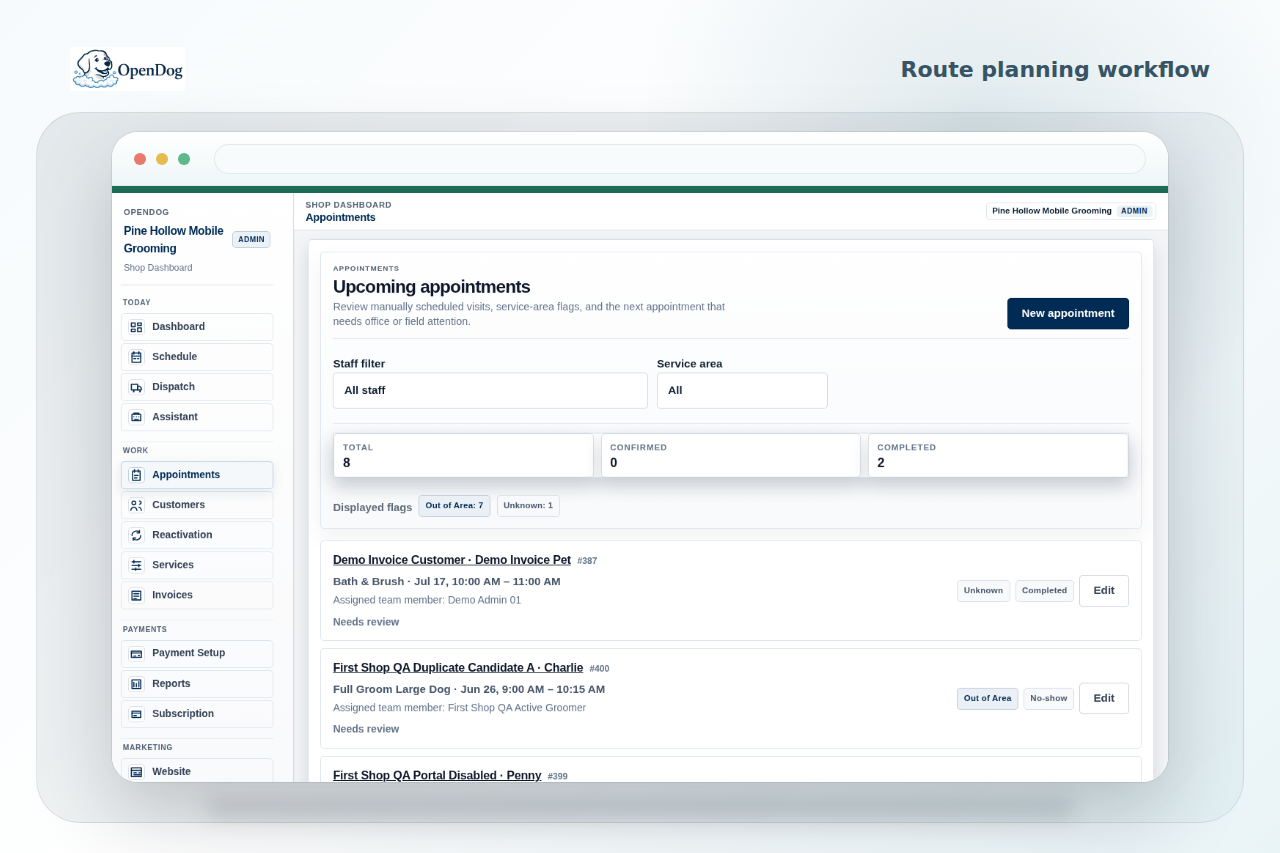
Route proof
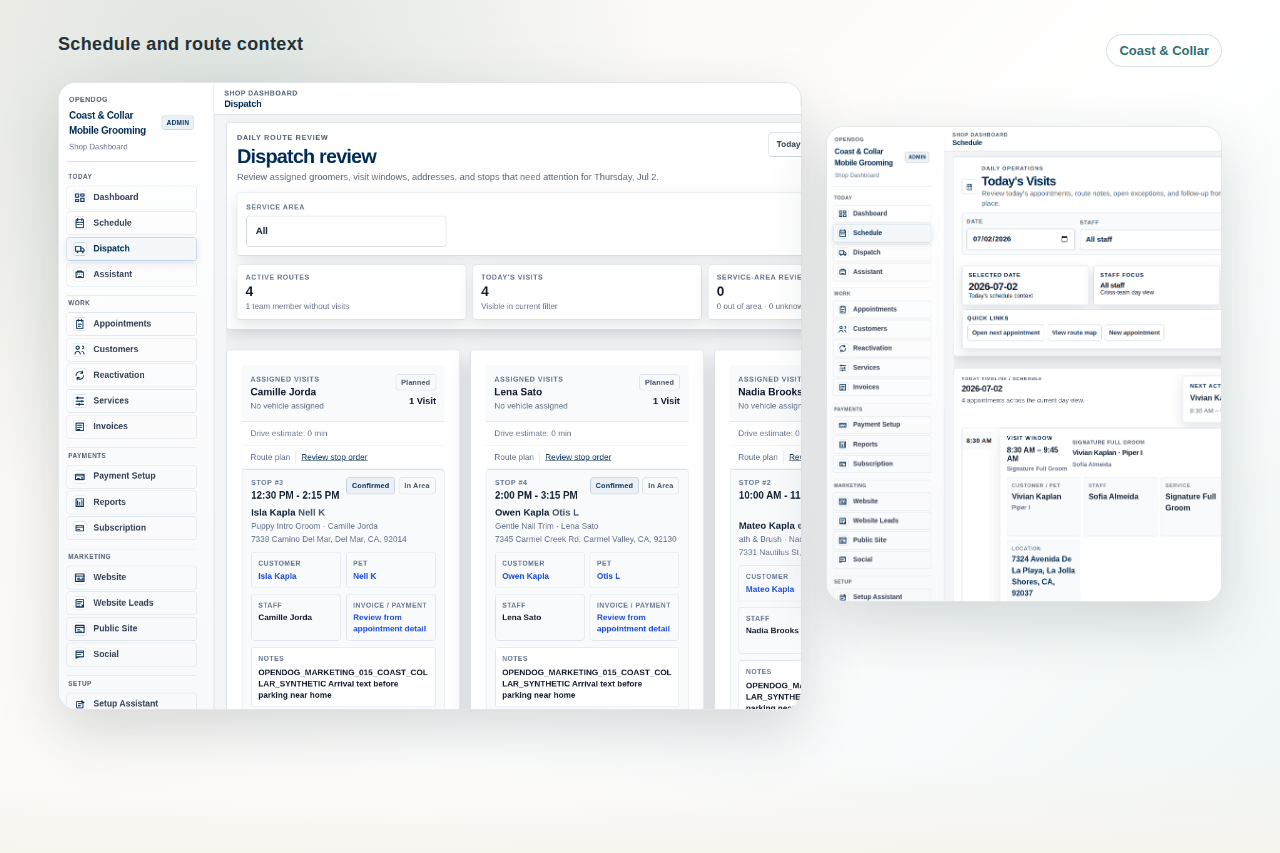
See route work beside appointment details.
Use the schedule and dispatch context to review the day before the route turns expensive.
Quick answer
Plan by service area, drive time, appointment length, buffer time, route gaps, recurring clients, and a daily route review. Then leave room for real-world changes.
Why it matters
A bad route can create late arrivals, wasted fuel, rushed grooms, empty gaps, missed lunch, and awkward client messages. Route planning is a revenue and service-quality habit, not just a map task.
Practical checklist
Use this checklist to tighten the workflow before the next busy grooming day.
- Group appointments by service area or neighborhood
- Protect drive time between stops
- Leave buffer for large dogs, difficult coats, parking, setup, cleanup, and client delays
- Check pet and customer notes before finalizing route order
- Review recurring clients and rebooking windows
- Confirm same-day changes before they break the afternoon
How OpenDog helps
OpenDog keeps appointment details and route context together so each stop fits the day better. The scheduling feature, booking/request pages, pet records, payment status, and follow-up workflow all stay connected to the route.
Common route-planning mistakes.
Mobile groomers often lose time by accepting appointments in the order clients ask, filling every blank calendar slot, ignoring coat condition, or treating a far-away repeat client like a nearby appointment.
- Do not price a day only by grooming time.
- Do not put a new-client request into the route before checking address and pet details.
- Do not leave the hardest groom after the longest drive if the day has no buffer.
Group appointments by area before exact time.
A route is usually cleaner when appointments are grouped by city, neighborhood, ZIP code, or service zone before exact times are finalized. That keeps the van moving in a pattern instead of crossing the service area all day.
- Keep regular clients in repeatable route patterns when possible.
- Use booking requests to collect address and timing preferences first.
- Move low-urgency appointments to a better route day when the fit is poor.
Use buffer time intentionally.
Buffer is not wasted time when it protects the rest of the day. Leave it around new clients, anxious dogs, heavy coats, large breeds, multi-pet homes, downtown parking, long drive segments, and appointments that often run late.
- Small buffers prevent one hard groom from damaging every later stop.
- A late-day buffer can protect payment, cleanup, and rebooking work.
- Buffer rules can change by groomer, van, or service type.
Handle same-day changes without panic.
When a client cancels, runs late, adds a second dog, or changes address details, look at the full route before filling the gap. The cheapest-looking fix can create a bigger drive-time problem later.
- Check the next two stops, not only the current one.
- Protect confirmed clients before adding new work.
- Use the change as a rebooking or waitlist opportunity when the route no longer fits.
Simple before and after example.
Before: three appointments are accepted by requested time, leaving the van to drive north, south, then back north. The day looks full but includes two long unpaid drives. After: appointments are grouped by zone, the large doodle gets a wider buffer, and a new-client request moves to the next route day. The calendar has the same number of grooms, but the route is calmer and more profitable.
- Better route order can matter as much as another appointment.
- A review-first request flow protects the schedule.
- A route-aware system helps catch the problem before the morning starts.
Related next steps
Use the linked feature, solution, and setup pages to turn this guide into a practical OpenDog setup path.
FAQ
Common questions from grooming businesses.
How often do mobile groomers need to review routes?
Review the route when booking, the day before, and again the morning of service if any request, cancellation, or pet detail changed.
How much buffer time is enough?
Buffer depends on service type, dog size, coat condition, parking, setup, cleanup, client reliability, and drive segment. Start with realistic service history and adjust during setup.
How does this connect to online booking?
A review-first booking or request page collects address, pet, timing, and service details before a client is placed into a route.
Plan routes with the full appointment in view.
Create your account with your service areas, recurring clients, and route gaps so OpenDog can be reviewed against the way your day really moves.