Resource guide
Mobile grooming software buyer guide.
The right grooming software fits the whole mobile day: route planning, pet records, client communication, invoices, receipts, customer requests, staff access, reports, and setup support you can actually use.
Buyer proof
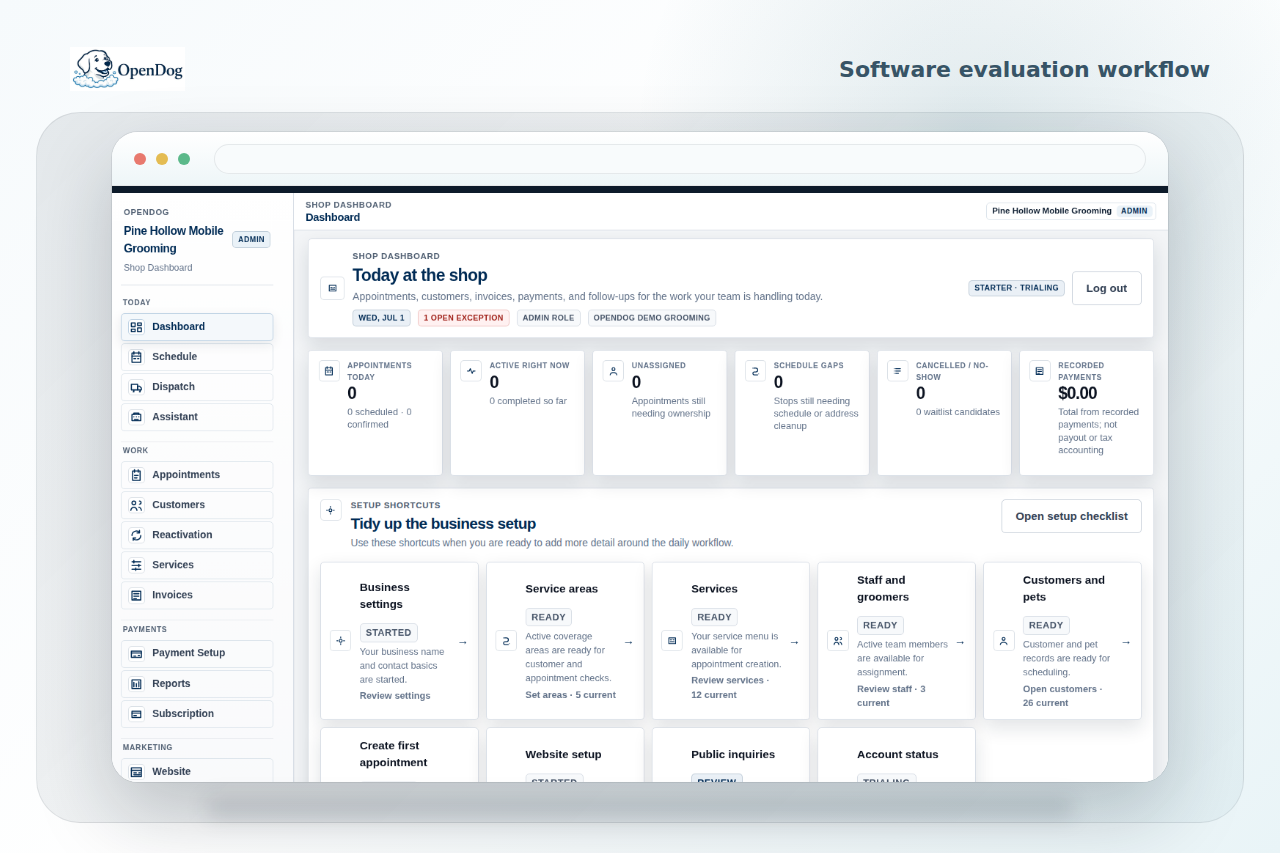
Compare software against the real grooming day.
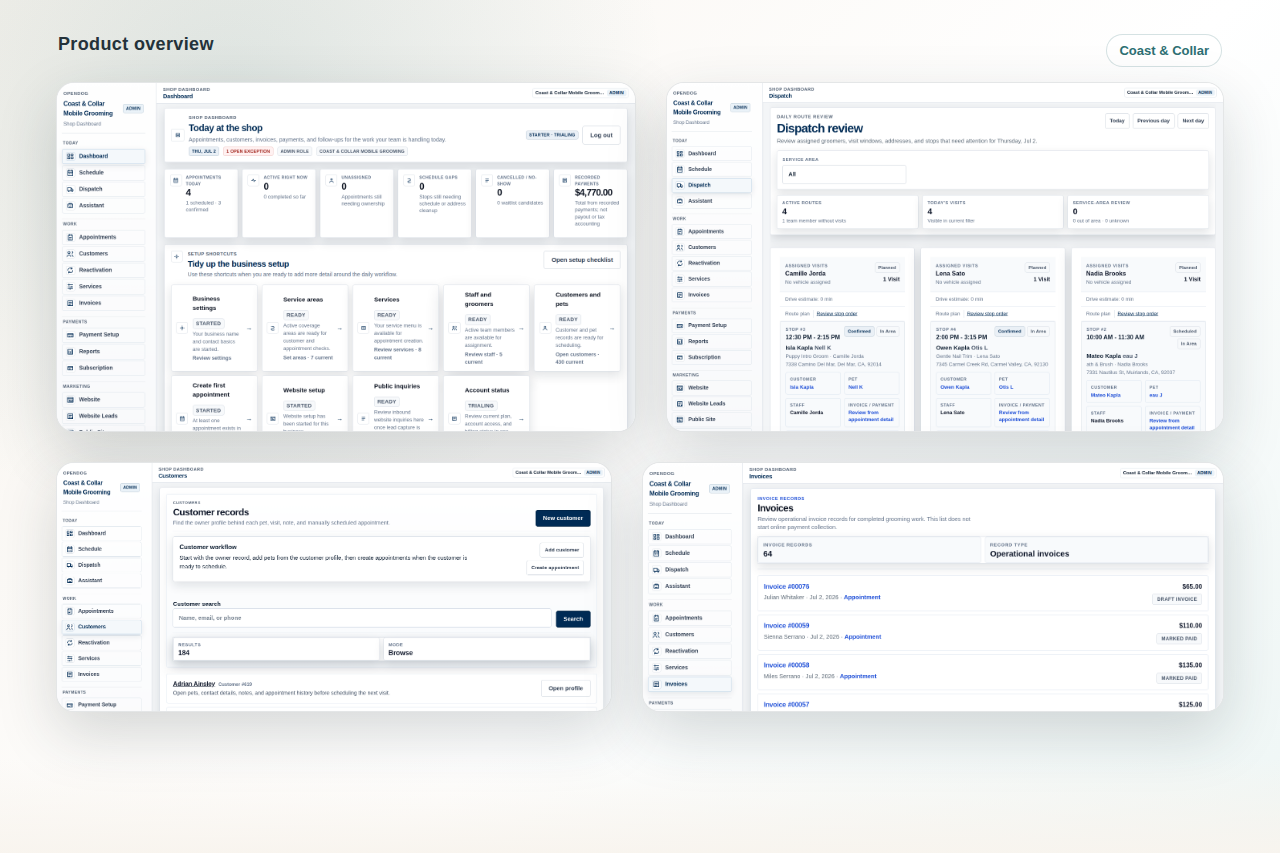
Review route context, customer records, invoices, and daily work together instead of judging a tool from a feature list.
Quick answer
Start by mapping the day you already run. A useful system helps before the appointment, during the stop, after payment, and when the client is ready to rebook.
Why it matters
Mobile grooming has less room for gaps, missed notes, and scattered follow-up because every stop affects the rest of the route. A tool that only manages time slots can still leave the business split across maps, texts, notes, spreadsheets, and a payment app.
Practical checklist
Use this checklist to tighten the workflow before the next busy grooming day.
- Route-aware scheduling and daily route review
- Customer and pet records with history and preferences
- Invoices, receipts, balances, and payment status
- Staff or groomer access for assigned work
- Review-first customer request or booking flow
- Operational reports and export needs
- Setup, switching, and data import support
How OpenDog helps
OpenDog is focused on mobile-first, route-aware grooming workflows. It connects the appointment, route, dog, client, payment status, receipt, and next booking in one daily workflow instead of treating those as separate chores.
Look for scheduling that understands the route.
Ask whether the software helps you plan by service area, drive time, appointment length, route order, recurring clients, and same-day changes. Mobile groomers need more than open slots on a calendar.
- Can you review route gaps before the day starts?
- Can appointment details include address, pet, customer, and status context?
- Can team or van assignments stay visible when the business grows?
Evaluate customer and pet records closely.
A good grooming system remembers the dog, not just the appointment. Look for multi-pet households, coat notes, behavior notes, health cautions, owner preferences, grooming history, photos, and price history.
- Can groomers see notes before arrival?
- Can records travel from request to appointment to follow-up?
- Can old notes be cleaned up during setup?
Review invoices, payments, and receipts without mixing promises.
Before buying, confirm how invoices, payment links, receipts, deposits, balances, tips, refunds, and provider setup work. The payment workflow needs clear owner review because software subscription billing and customer payment processing are separate concerns.
- Ask what payment provider setup is required.
- Confirm how receipts and balances appear to staff and owners.
- Check whether reports are operational or accounting-grade.
Check staff access, request flow, and reporting.
Solo groomers may only need one login at first. Growing teams need groomers to see assigned work without giving everyone full owner access. Booking and request pages need review-first control so customers do not break the route. Reports and exports need to show enough detail for decisions and handoff work.
- Can a groomer see the day without full admin access?
- Can requests be reviewed before appointment confirmation?
- Can owners export or review the information they depend on?
Questions to ask before buying.
Use the demo to test your real workflow instead of a perfect sample calendar.
- How would I schedule a new client outside my normal route?
- Where do pet notes, photos, and owner preferences appear during the stop?
- How are invoices, receipts, balances, and payment status handled?
- What happens when a client requests a time that hurts the route?
- How do my current clients, pets, services, appointments, and notes move into the system?
- What can a groomer see compared with the owner?
Related next steps
Use the linked feature, solution, and setup pages to turn this guide into a practical OpenDog setup path.
FAQ
Common questions from grooming businesses.
What matters most for mobile grooming software?
Route-aware scheduling, pet records, customer communication, payment status, booking control, reports, and setup support matter more than a long generic feature list.
Is OpenDog only for mobile groomers?
OpenDog is built mobile-first and route-aware, while still fitting house-call groomers, solo groomers, small teams, and some salon workflows that want better records and follow-up.
Can I compare OpenDog with another system?
Yes. Compare both tools around your real day: route, dog, customer, invoice, receipt, request flow, staff access, reporting, and setup.
Compare the workflow before you switch.
Use the buyer guide to pressure-test route, records, payment, and request workflows, then review the product tour with your real grooming day in mind.