
Resource guide
Grooming software demo checklist.
A useful software demo shows the parts of the grooming day that usually get messy: route changes, pet notes, customer requests, invoices, payment status, reports, and switching support.
Quick answer
Bring questions about scheduling and route workflow, customer and pet records, groomer field view, invoices, payments, receipts, customer requests, reports, exports, support, setup, and red flags.
Why it matters
A polished demo calendar can hide the workflow gaps that cost time later. Mobile groomers need to see how the software handles travel, multi-pet households, late changes, staff handoff, payment follow-up, and customer communication.
Practical checklist
Use this checklist to tighten the workflow before the next busy grooming day.
- Route-aware scheduling questions
- Customer and pet record questions
- Groomer field view questions
- Invoice, payment, and receipt questions
- Customer request and portal questions
- Report and export questions
- Support, setup, and switching questions
- Red flags to watch for during the demo
How OpenDog helps
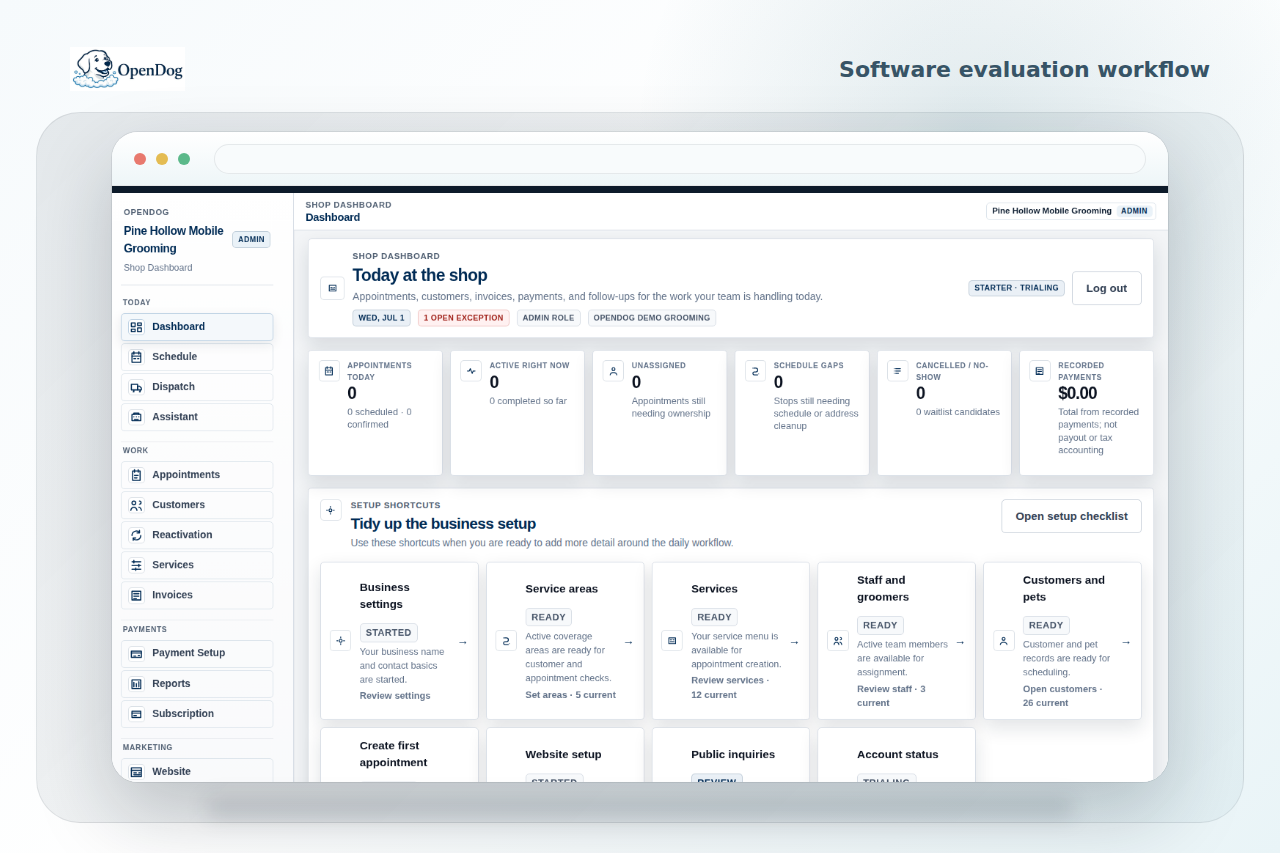
OpenDog positions demos around the real mobile grooming workflow: route review, owner and groomer visibility, customer and pet details, request handling, payments, receipts, reporting, and self-serve setup.
Scheduling and route workflow questions
Ask how the system handles service areas, route order, arrival windows, appointment gaps, assigned groomers, late changes, and requests that do not fit the day.
- Can I review a request before the booking is final?
- How do groomers see their day?
- Where do drive time and route order appear in the workflow?
Customer and pet record questions
Ask how customer households, pets, health notes, handling preferences, service history, addresses, and duplicate records are managed.
- Can notes stay tied to the pet, not only the appointment?
- How are multi-pet households handled?
- How can old or duplicate records be cleaned up?
Staff and groomer field view questions
A demo needs to show the owner workflow and the groomer workflow. Ask what staff can see, what they can update, and how pet notes, appointment status, route context, and follow-up are handed off.
- What does the groomer see before arrival?
- Can owner and staff access be separated?
- How are changes reflected during the day?
Invoices, payments, and receipts
Ask how invoices, balances, deposits, receipts, tips, payment status, and follow-up are represented without assuming a provider feature that is not part of the setup.
- What payment path is supported for my setup?
- How are receipts shown?
- How do I know what is unpaid?
Customer requests and portal flow
Ask whether customers submit requests, instantly book, or wait for shop confirmation. For mobile grooming, request-first review often protects route fit and service area expectations.
- Can the shop confirm timing before it is final?
- Where do service area expectations appear?
- How are customer updates handled?
Reports, exports, support, and setup
A buyer needs to know how to get data out, how setup works, what support covers, and what happens when old records are messy.
- Which reports and exports are available?
- What does self-serve setup include?
- What import limitations need review?
Red flags to watch for
Be cautious when a demo avoids the actual mobile route, skips staff view, cannot explain import limitations, promises effortless switching, or treats pet notes, payments, and customer requests as separate side chores.
- Only a perfect sample calendar is shown.
- Route and service area questions stay vague.
- Setup support is unclear.
Related next steps
Use the linked feature, solution, and setup pages to turn this guide into a practical OpenDog setup path.
FAQ
Common questions from grooming businesses.
What is the first demo question for mobile groomers?
Ask how the software protects the route when customers request appointments, timing changes, or service area exceptions.
What red flags matter most?
Vague route handling, unclear import support, no groomer field view, weak pet notes, unsupported payment claims, and a demo that only shows a perfect sample calendar.
Can I ask about exports?
Yes. A serious demo needs to explain reports, exports, and how the business can keep access to useful operational records.
How do I compare demos fairly?
Use the same real scenarios in every demo: a new request, a repeat pet with notes, a route change, an invoice, and a staff handoff.
Where does OpenDog fit?
OpenDog is designed around mobile-first route-aware workflows, self-serve setup, customer and pet records, request handling, and owner/groomer visibility.
Turn the guide into a cleaner setup.
Create your account and bring your current route, clients, pets, and workflow into the conversation.