Resource guide
Mobile grooming client import checklist.
Switching is easier when client, pet, appointment, service, price, note, and policy data is organized before anything becomes part of the live grooming workflow.
Quick answer
Gather active customers, pets, households, service names, starting prices, appointment history, grooming notes, health and handling details, policy language, and current booking rules. Then review duplicates and missing fields before import work begins.
Why it matters
Import quality affects the first week. Duplicate households, stale pets, missing phone numbers, unclear notes, or old service names can create wrong reminders, confusing invoices, and unsafe grooming assumptions.
Practical checklist
Use this checklist to tighten the workflow before the next busy grooming day.
- Active customer names, phone numbers, emails, and addresses
- Pet names, breeds, sizes, coat notes, health notes, and handling preferences
- Household relationships for multi-pet clients
- Service menu, starting prices, add-ons, and travel or mobile fees
- Upcoming appointments and recent appointment history
- Cancellation, no-show, payment, intake, and rebooking policies
- Duplicate customer and pet records to merge or archive
- Missing fields that need owner review before import
How OpenDog helps
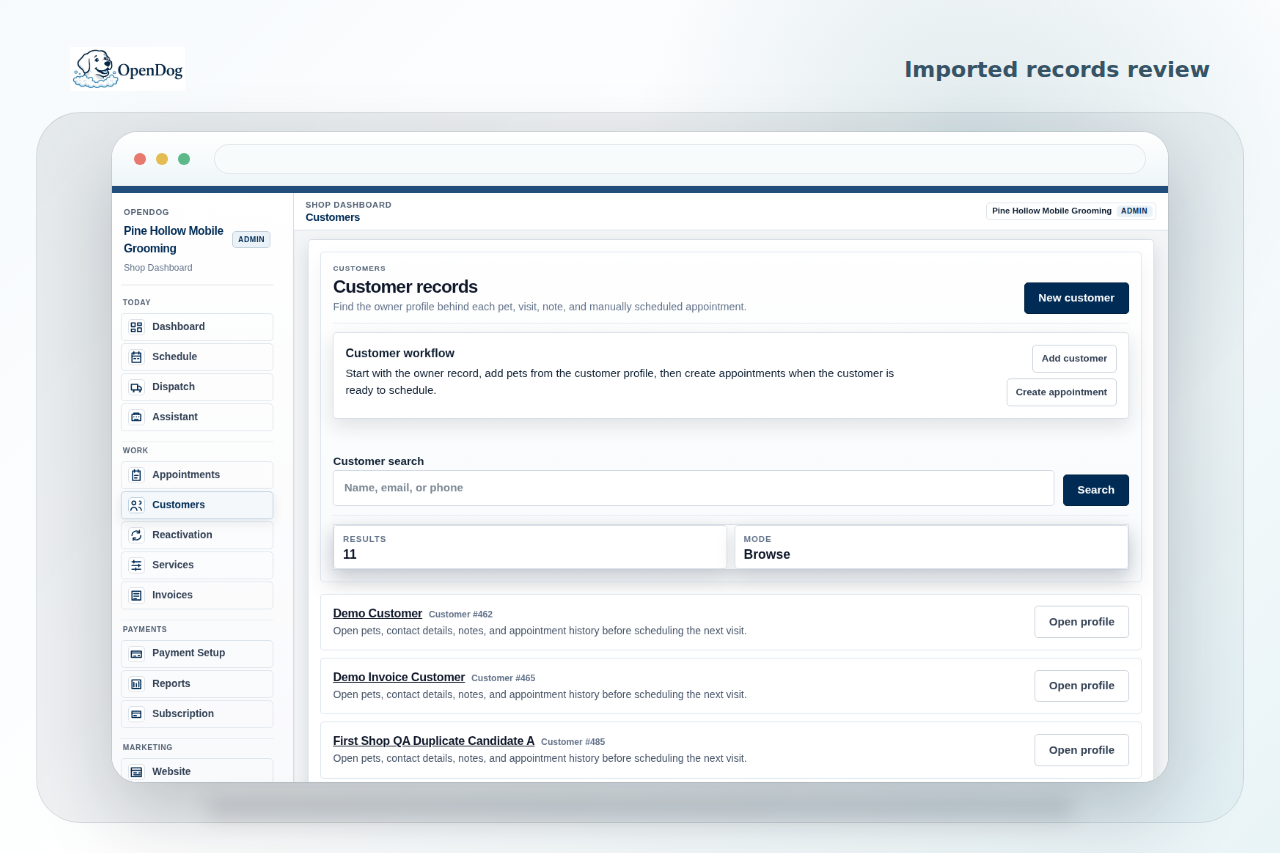
OpenDog support can review spreadsheets, CSV exports, service lists, and notes during self-serve setup. The goal is a reviewed import path, not a blind data dump that pushes messy records into the live schedule.
What data to gather before switching
Start with the information that affects daily operations: who the customer is, where the van goes, which pets belong to that household, what service they usually book, what notes affect safety, and what appointments are already promised.
- Customer contact details and addresses.
- Pet profiles, coat notes, health notes, and behavior notes.
- Upcoming appointments, service history, prices, and policies.
Customer and pet cleanup
Many old lists have duplicate clients, duplicate pets, pets attached to the wrong household, old addresses, missing phone numbers, or nicknames that made sense in a text thread but not in software.
- Mark duplicate households before import.
- Confirm active pets versus inactive pets.
- Separate owner notes from pet-specific safety notes.
Services, prices, and policies
Service data needs more than a name. A useful import review includes starting prices, duration expectations, add-ons, mobile travel considerations, cancellation language, no-show rules, and payment expectations.
- Clean up old service names.
- Identify price ranges or starting prices.
- Attach policy language to the workflow where customers will see it.
Appointment history and upcoming work
Historical appointments can help preserve context, but upcoming appointments need the closest review because they affect real customers and route planning now.
- Prioritize upcoming appointments first.
- Bring recent history that explains coat condition, timing, and rebooking rhythm.
- Do not import old clutter just because it exists.
Import is reviewed, not blindly dumped
OpenDog does not present import as automatic switching. Self-serve setup means the file, field names, duplicate risks, missing fields, and launch path are reviewed before records are trusted in the live workflow.
- Review source files before relying on them.
- Decide what belongs in the first launch set.
- Keep owner approval in the setup path.
Related next steps
Use the linked feature, solution, and setup pages to turn this guide into a practical OpenDog setup path.
FAQ
Common questions from grooming businesses.
What data matters most for a first import?
Active customers, pets, key notes, service names, prices, policies, and upcoming appointments usually matter most because they affect the first live grooming week.
Can I import every old record?
Maybe, but more data is not always better. Old inactive records, duplicate pets, and stale notes can make launch messier unless they are reviewed first.
Does OpenDog promise automatic import?
No. OpenDog treats import as an assisted review step so messy source data is checked before it becomes part of the workflow.
Can support help review duplicates?
Support can help identify duplicate and cleanup questions during setup, while the business owner confirms what is accurate.
What if my old software export is incomplete?
Use the export as a starting point, then fill the gaps with spreadsheets, service lists, policy notes, or a smaller first launch set.
Turn the guide into a cleaner setup.
Create your account and bring your current route, clients, pets, and workflow into the conversation.